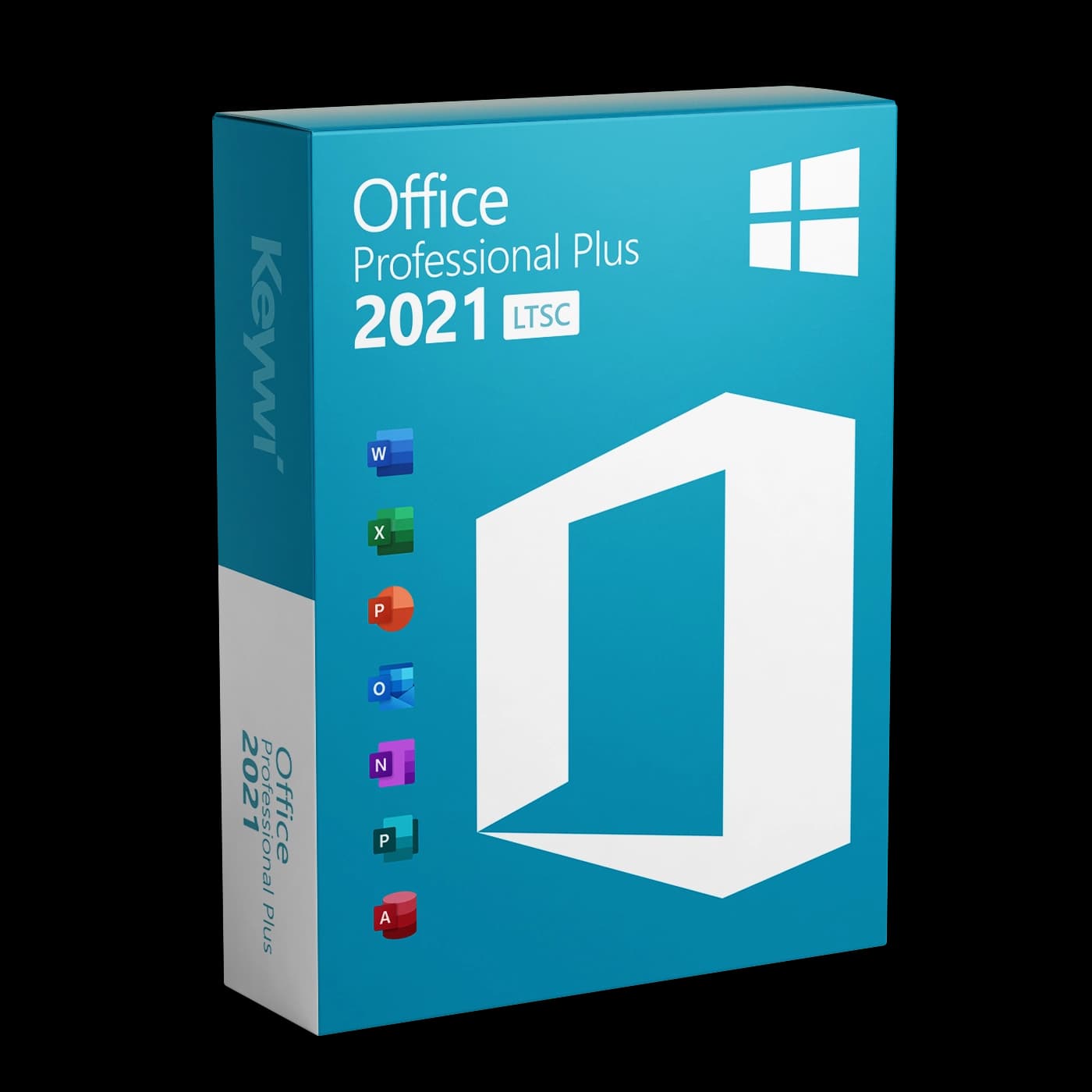




This guide walks you through downloading, installing and activating Office 2021 Professional Plus on Windows. You received the 25-character product key from us by email after your purchase, so keep that email to hand.
System requirements
Before installing, check that your PC meets the requirements:
- Operating system: Windows 10 or Windows 11. Office 2021 cannot be installed on Windows 8.1 or older.
- Processor: 1.6 GHz or faster with at least 2 cores.
- Memory: 4 GB RAM.
- Hard drive: at least 4 GB of free disk space.
- Display: resolution of 1280 × 768 or higher.
The package includes Word, Excel, PowerPoint, Outlook, Access and Publisher. A Microsoft account is not required for activation. The key is entered directly in the software.
Preparation: remove pre-installed Office
Many new PCs come with a trial version of Microsoft 365 pre-installed. Remove it before installing, as two Office versions installed side by side can interfere with each other and block activation.
- Open
Settings>Apps>Installed apps. - Look in the list for "Microsoft 365" or "Microsoft Office".
- Click Uninstall and follow the instructions.
- Then restart the PC.
Note: Your documents are fully preserved when you uninstall. Only the software is removed.
Download Office 2021
You will find the official offline installer for Office 2021 Professional Plus on our download page. The installation files come directly from Microsoft.
- Open the Keywi24 download page.
- Select Office 2021 Professional Plus.
- Download the installation file. It is several gigabytes in size, so a stable internet connection is recommended.
Installation step by step
- Double-click the downloaded file to open it. If it is an ISO file, Windows mounts it automatically as a virtual drive.
- Inside it, run the file
Setup.exe. - Confirm the User Account Control prompt with Yes.
- The installation now runs through automatically and takes around 5 to 15 minutes depending on your PC.
- As soon as the message "You're all set!" appears, click Close.
Activation with the product key
Make sure you have an internet connection and keep the key from your order email to hand.
- Open an Office program, for example Word or Excel.
- Click
Filein the top left, thenAccount. - Select Change product key or Activate licence. Alternatively, Office asks for the key directly on first launch.
- Enter the 25-character product key from your email.
- Click Next. Office now activates online. Afterwards you can see the status under
File>Account("Product Activated").
Telephone activation: With some keys (volume licences), online activation fails and Office offers telephone activation instead. This is normal and not a fault with your key: you deal with an automated Microsoft system, not a person. Follow the voice prompts, enter the installation ID shown on screen using the telephone keypad and type the confirmation ID you are given into Office.
Common problems
- Typing error in the key: Watch out for mix-ups such as 'Q' and '0' or 'B' and '8'. It is best to copy the key directly from the email.
- "Unlicensed Product" message: Usually remnants of an old Office or Microsoft 365 installation are interfering. Uninstall all other Office versions, restart the PC and repeat the activation.
- Error code during activation: Check your internet connection and start the Office program once by right-clicking and choosing
Run as administrator. If it still fails, use telephone activation (see above). - Wrong edition installed: The key only activates Office 2021 Professional Plus. A different Office version (for example 2019 or Microsoft 365) cannot be unlocked with it.
Help & support
If activation still does not work, our activation help has further solutions for the most common error codes. Alternatively, you can reach our team directly via live chat. Every purchase includes 90 days of free support. Please keep your order number to hand.