

K12

Buying Microsoft Office: the complete edition overview

"Buying Microsoft Office" doesn't say much at first: there are several versions, several editions, subscription models and perpetual licences. Here's the compact overview: what we recommend, who needs what, and what it costs.

Auf einen Blick

Which Microsoft Office edition is right for whom. Versions, editions, subscription vs. perpetual licence. Overview with concrete CHF pricing and a recommendation.

4,88★
Trusted Shops
Hervorragend
<5 Min
Antwortzeit
Live-Chat (Mo–Fr)
90 Tage
Support
Kostenlos nach Kauf
90 Tage
Geld zurück
Freiwillige Garantie

Anyone searching for how to "buy Microsoft Office" quickly faces a confusing matrix: Office 2024 or 2021, Home & Business or Professional Plus, one-time purchase or Microsoft 365. Most overviews simply list everything. We take the opposite approach: three questions, asked in the right order, lead you to the right licence. Below them you'll find every edition with a concrete CHF price and two tools that make the choice for you.

Three decision questions: in this order

  • Subscription or one-time purchase? The fundamental question. A perpetual licence (one-time purchase) is yours for good, with no recurring costs, and pays off compared with the subscription after roughly three years of use. Microsoft 365 is worthwhile if you want the latest features on an ongoing basis, 1 TB of OneDrive storage and family sharing across multiple devices. For most people who use Word, Excel, PowerPoint and Outlook locally, the perpetual licence is the calmer choice and cheaper in the long run.
  • Which version? Office 2024 is the current perpetual licence and our standard recommendation, with security updates until 9 October 2029. Office 2021 is the predecessor, still with updates until 9 October 2026, a sensible choice on a tight budget or with slightly older hardware. Office 2019 or 2016 only if there's a compelling version-match reason, such as a requirement from industry-specific software. Jumping between major versions means a new purchase, not an upgrade.
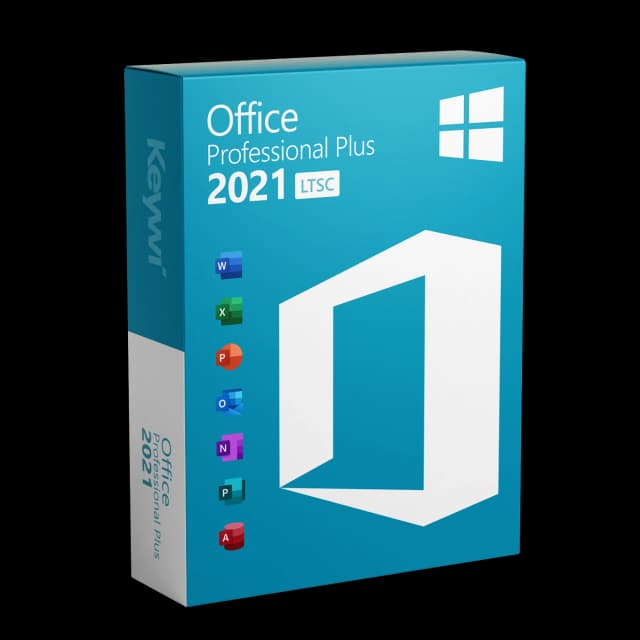
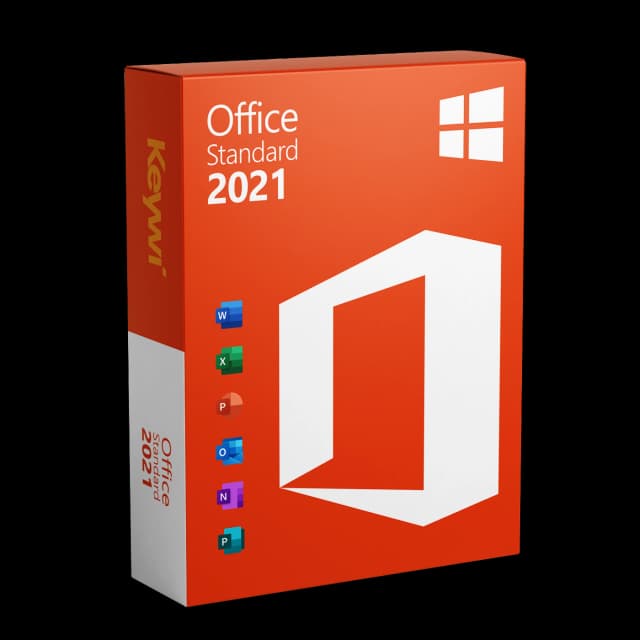
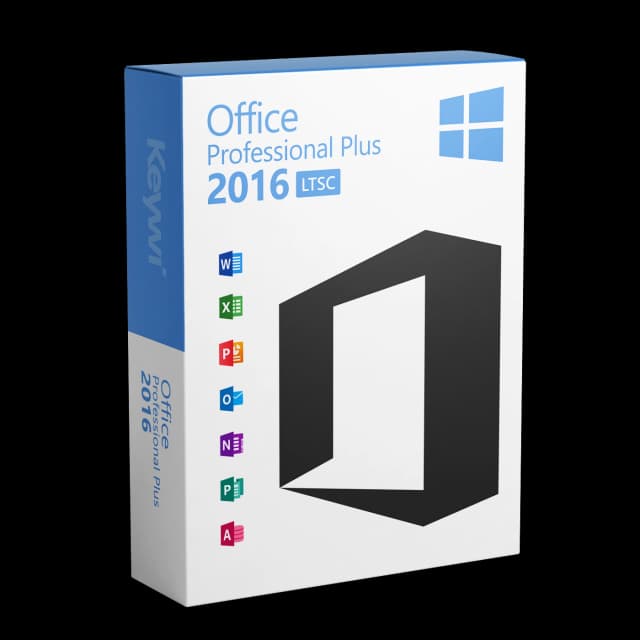
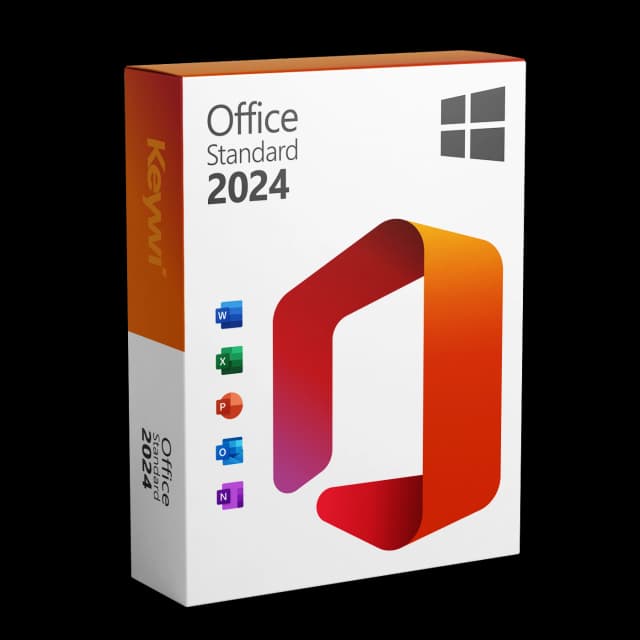
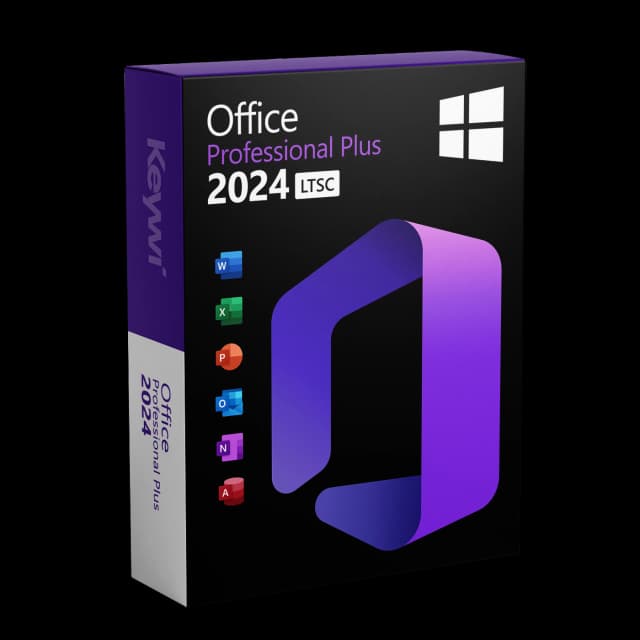
  • Which edition? Home & Business covers around 95 percent of all use cases: Word, Excel, PowerPoint and Outlook, ideal for single workstations and small offices. Standard adds Publisher, for anyone who also creates layouts and print templates. Professional Plus is the full package including Access, the typical choice for demanding users and IT departments. When in doubt, Home & Business, and you won't miss anything in day-to-day use.

We've made it easy for you. Instead of working through tables, you answer a few short questions in the Office Finder and get the right edition suggested, including the price. If you'd rather compare yourself, open the comparison view and place all versions side by side. You can start both here:
What you get from us with every purchase

Licence key and download link arrive by email within a few minutes after payment is received. A proper VAT invoice as a PDF in Swiss format. In case of activation problems: free German-language technical support for 90 days after purchase. If the licence doesn't activate: a replacement key or your money back.

Payment methods: Visa, Mastercard, Apple Pay, Google Pay, TWINT. For questions before purchase: live chat (response usually <5 min during Mon–Fri 08:00–18:00 CET) or hotline +41 800 20 00 07, free of charge.

Häufige Fragen

Welche Office-Version soll ich kaufen?

Aktuelle Empfehlung: Office 2024 als Dauerlizenz. Wenn Sie Cloud-Speicher und Family-Sharing wollen: Microsoft 365 Family. Wenn das Budget knapp ist und Sie auf älterer Hardware sind: Office 2021.

Was ist der Unterschied zwischen Office Home & Business und Office Standard?

Beide haben Word, Excel, PowerPoint, Outlook. Office Standard zusätzlich Publisher und OneNote. Für die meisten Privat-Anwender ist Home & Business ausreichend.

Ist Microsoft 365 immer teurer als die Dauerlizenz?

Bei 3+ Jahren Nutzung: ja, fast immer. Microsoft 365 Personal kostet aktuell etwa CHF 79. pro Jahr, nach 2-3 Jahren teurer als eine Office-2024-Dauerlizenz. Bei Family-Plänen mit 5 Personen kann 365 günstiger sein.

Wie schnell bekomme ich meinen Lizenzschlüssel?

Sofort per E-Mail nach Zahlungseingang, meist innerhalb weniger Minuten. Falls keine E-Mail ankommt, bitte Spam-/Junk-Ordner prüfen.
Über Keywi24

Keywi24 ist Schweizer Onlineshop für vorbenutzte Microsoft- und Antivirus-Software-Lizenzen. Das Team kennt den Markt seit über fünf Jahren von innen. Wir wollen nicht der grösste Lizenz-Shop werden, sondern der beliebteste.

Deshalb investieren wir nicht in Marketing-Bombast, sondern in 90 Tage echten Techniker-Support nach jedem Kauf. Rechtsbasis: EuGH-Urteil C-128/11 (03.07.2012) und Art. 12 Abs. 2 URG.

Mo–Fr 08:00–18:00 MEZ+41 800 20 00 07 (kostenlos)Live-Chat-Antwort meist <5 Min90 Tage Geld-zurück-Garantie